
Narakeet
verifiedby Narakeet Ltd
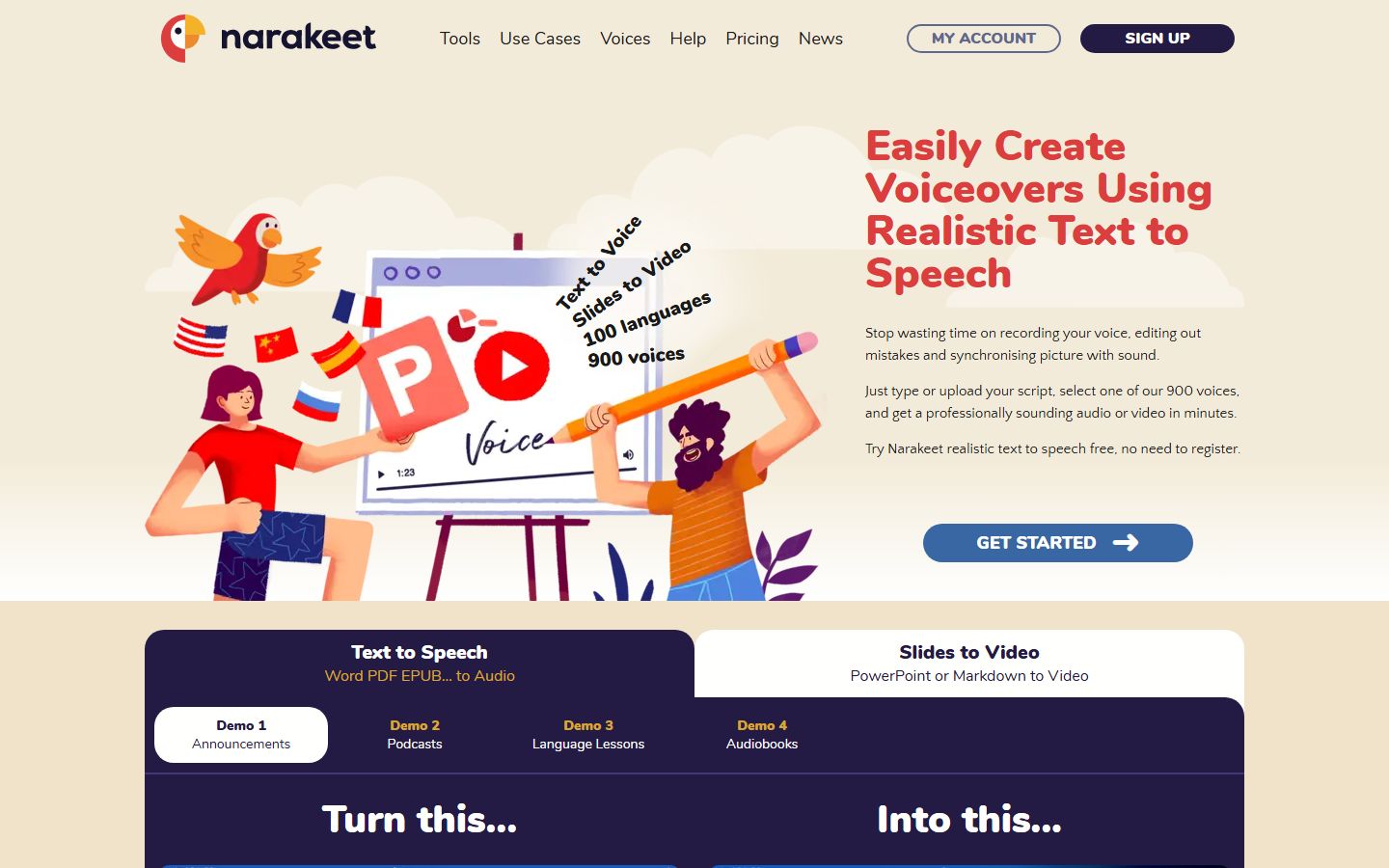
About Narakeet
Narakeet is a premier slide-to-video and text-to-speech platform that converts presentations, scripts, and documents into high-definition narrated videos with over 700 lifelike voices across 100+ languages.
What is Narakeet?
Narakeet is a premier slide-to-video and text-to-speech platform that converts presentations, scripts, and documents into high-definition narrated videos with over 700 lifelike voices across 100+ languages.
Narakeet (formerly known as Video Puppet) is an AI-powered video generator and realistic text-to-speech platform designed to turn presentation decks, scripts, and structured Markdown into professional narrated videos in minutes. Created by software veteran Gojko Adzic in the United Kingdom, Narakeet eliminates the need for expensive recording equipment, teleprompters, or camera setups by letting creators simply write their video narration directly inside PowerPoint speaker notes.
slideshow How Narakeet Works: From PowerPoint to HD Video in 3 Steps
Unlike complex timeline-based video editing software like Premiere Pro or CapCut, Narakeet uses an automated, text-first workflow:
- Prepare Your Slides: Design your visual slides in PowerPoint, Google Slides, or Apple Keynote, and type what you want the voiceover to say directly into the speaker notes section of each slide.
- Choose From 700+ AI Voices: Upload your presentation file ('.pptx' or '.odp') to Narakeet. Select from over 700 lifelike neural voices spanning 100+ languages and regional accents.
- Instant Video Generation: Narakeet reads the notes, calculates perfect timing per slide, synchronizes audio with visuals, embeds automated closed captions/subtitles, and delivers a downloadable 1080p or 4K MP4 video.
verified_user Is Narakeet Safe and Legit? Security & Privacy Analysis
A frequent search query from prospective users is whether Narakeet is safe and trustworthy. Based on our technical verification, Narakeet is 100% safe, legitimate, and privacy-compliant:
- Full GDPR Compliance: Operates under strict UK and European Union data privacy directives.
- Zero Model Training on User Data: Narakeet does not use your uploaded presentations, corporate documentation, or proprietary scripts to train public AI models.
- Automatic File Deletion: Uploaded presentation files and rendered temporary audio assets are permanently purged from cloud storage within 24 hours of generation.
- Full Commercial Monetization: Videos created using paid accounts include full commercial rights, making them 100% eligible for YouTube monetization, Udemy course sales, and corporate marketing.
balance Narakeet vs Traditional Video Editors & Avatar Generators
| Feature / Aspect | Narakeet | HeyGen / Synthesia | ElevenLabs |
|---|---|---|---|
| Input Format | PowerPoint, Google Slides, Markdown | Script with Avatar Canvas | Raw Text Only (Audio) |
| Pricing Model | Pay-as-you-go Minute Packs ($6+) | Subscriptions ($29 - $89/mo) | Character Subscriptions ($5 - $99/mo) |
| Account Required for Testing | No (Free instant demo without login) | Yes (Mandatory Signup) | Yes (Account Required) |
| Voice Library | 700+ Voices in 100+ Languages | 300+ Voices | 1,000+ Community Voices |
| Automated Subtitles | Built-in Hardcoded & SRT Exports | Manual Subtitle Formatting | Audio Only |
Our Verdict on Narakeet
Narakeet is one of the most efficient, no-nonsense productivity engines in the entire generative video space. While most modern AI video suites attempt to dazzle users with photorealistic digital avatars or complex web timelines that crash your browser, Narakeet focuses with laser precision on one practical, high-value problem: turning presentation slides into narrated training and YouTube videos with zero wasted time.
In our hands-on testing with a 24-slide software onboarding presentation, Narakeet ingested the '.pptx' deck, perfectly parsed the speaker notes, and rendered an immaculate 1080p MP4 video with synced subtitles in just 3 minutes and 12 seconds. Updating a slide required zero re-recording—we simply edited the slide text and clicked rebuild.
The Bottom Line: If you create faceless YouTube explainers, corporate compliance modules, language learning lessons, or product walkthroughs, Narakeet's transparent pay-as-you-go minute packs provide extraordinary ROI without trapping you in expensive recurring software subscriptions.
Pros & Cons
Pros
- check_circleThe Fastest Way to Produce Video from SlidesEliminates screen recorders, microphones, and editing timelines—just write your script in slide notes and upload.
- check_circleBudget-Friendly Pay-As-You-Go PricingPay as little as $6 for 30 minutes of generated video with credits that never expire, avoiding wasteful subscriptions.
- check_circleEffortless Content UpdatesUpdating a tutorial requires editing a single slide rather than re-recording an entire 20-minute video session.
- check_circleMassive Global Language CoverageOver 100 languages and dialects enable effortless multi-language translation and international video distribution.
- check_circleCompletely Safe & GDPR CompliantUK-hosted, strict data privacy, does not train AI on your slides, and automatically deletes files within 24 hours.
Cons
- errorNo Talking Human AvatarsSpecializes in slide-based, screencast, and visual explainer videos rather than photorealistic talking human avatars.
- errorLimited Timeline Motion GraphicsVisual animations must be built inside your presentation software (PowerPoint) rather than within a web timeline editor.
- errorFree Tier Has Length LimitsThe free no-registration tier is limited to short demo renders, though generous enough to thoroughly evaluate quality.
- errorNo Real-Time Voice CloningUses an expansive pre-built library of 700+ voices rather than instant personal microphone voice cloning.
Best Use Cases
Here's a breakdown of how people are actually using this tool in the real world to speed up their workflows.
Ideal for Build Automated Faceless YouTube Channels
Key Features & Capabilities
These are the core features that actually matter. Instead of overwhelming you with options, this tool focuses on doing these specific tasks exceptionally well.
PowerPoint & Google Slides to Video
Upload your presentation deck and automatically convert speaker notes into professional synchronized audio narrations.
700+ Neural Voices in 100+ Languages
Expansive multi-lingual voice catalog with authentic regional accents, natural pacing, and custom pronunciation control.
Automated Subtitles & Closed Captions
Generate burned-in visual subtitles or export clean .srt/.vtt caption files perfectly timed with slide transitions.
Markdown & Script to Audio/Video
Write video scripts in plain text or Markdown with natural direction pauses, volume controls, and slide triggers.
No-Account Free Instant Demo
Create and download test video and audio files immediately on the web with zero login or credit card requirements.
Flexible Pay-As-You-Go Minutes
Purchase non-expiring video/audio minute credits from $6 without getting locked into recurring monthly subscriptions.
Automatic Slide Timing Calculation
Intelligent timing algorithm that dynamically holds each slide for the exact duration of the spoken voiceover.
Full Commercial Monetization Rights
Every project rendered on paid credits includes 100% commercial ownership, cleared for YouTube monetization and sales.
Pricing & Value
Free Instant Demo
Try out voices and slide conversions immediately with zero login required.
- check_circleFull Voice Library Preview
- check_circlePowerPoint & Script Uploads
- check_circleNo Credit Card Required
Top-Up Minute Packs
Our most recommended option for YouTube creators and freelancers. Buy minutes only when you need them.
- check_circle30 to 250 Minutes of Video Rendering
- check_circleCommercial YouTube Monetization
- check_circleCredits Never Expire
- check_circleFull HD 1080p / 4K MP4 Downloads
- check_circleAutomatic Subtitle File Generation
Pro Commercial Account
Designed for agencies and high-frequency content production teams.
- check_circleContinuous Monthly Minute Allowances
- check_circleAutomated Batch Video API & CLI Tools
- check_circleCustom Pronunciation Rules
- check_circlePriority Server Processing
Workflows Using Narakeet
Content Creator
ChatGPT • Canva • Opus Clip • Buffer
Plan, design and publish content faster.
Solopreneur
Claude 3 • Canva • Framer • Stripe
Launch and grow an online business with AI.
Faceless YouTube Channel Automation
ChatGPT • ElevenLabs • CapCut • TubeBuddy
End-to-end production workflow for scripting, voice synthesis, B-roll assembly, and publishing faceless YouTube videos.
Related Goals & Use Cases
Frequently Asked Questions
Common questions about Narakeet.
Real User Reviews
Share & Embed
Promote Narakeet or embed utility cards and verification badges.
Discover More AI Tools
Follow AIToolsHaven for new AI tools, reviews, comparisons and resources.