
CapCut
verifiedby CapCut
About CapCut
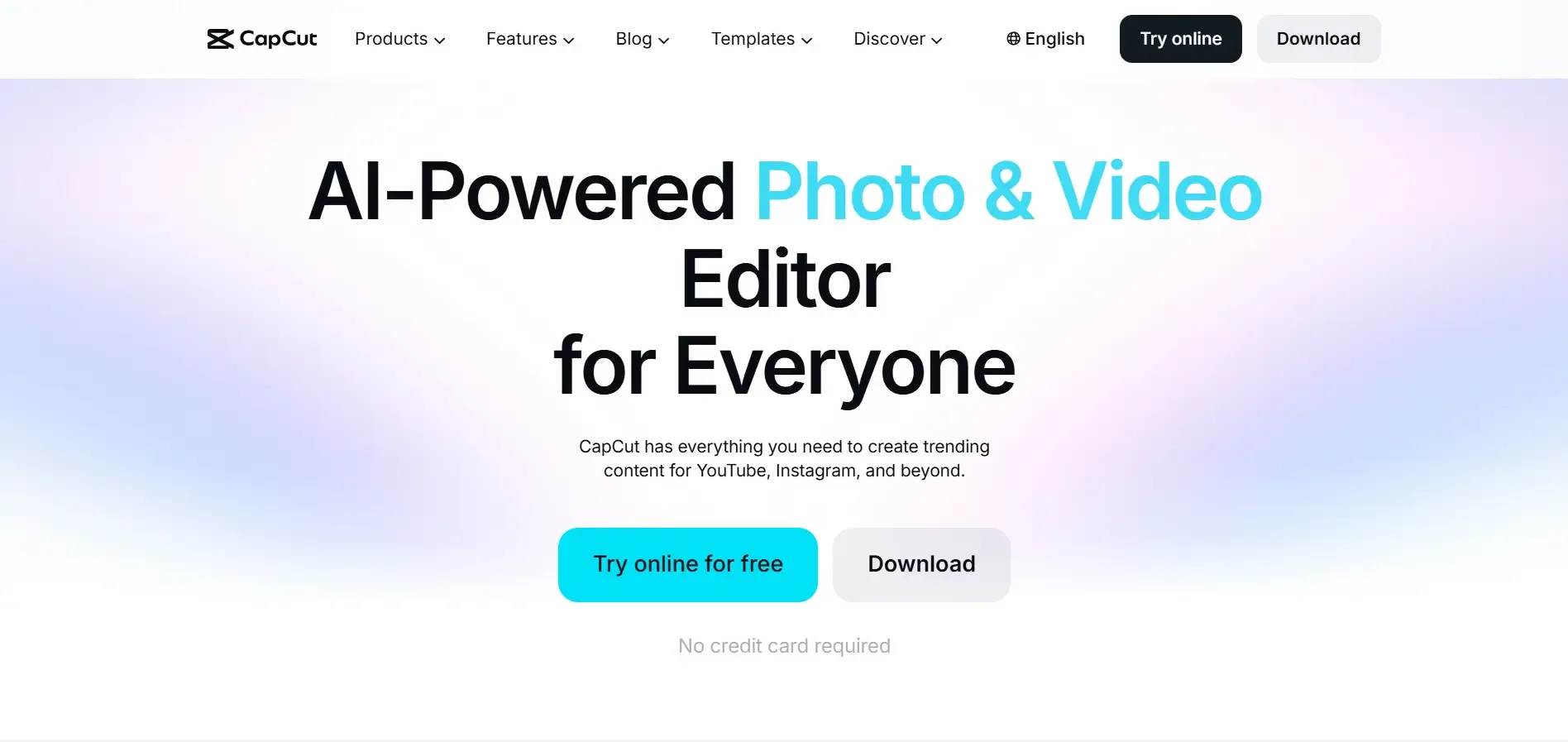
CapCut by ByteDance is an accessible video editing platform featuring AI auto-captions, background removal, text-to-speech, speed ramping, and trending templates for social media.
What is CapCut?
CapCut by ByteDance is an accessible video editing platform featuring AI auto-captions, background removal, text-to-speech, speed ramping, and trending templates for social media.
CapCut, developed by ByteDance, is one of the most widely used video editing suites globally, engineered to make professional video editing accessible across desktop, mobile, and web browsers. Seamlessly integrated with TikTok and modern social media workflows, CapCut combines classic timeline editing with an expansive array of generative AI tools.
CapCut accelerates video creation through features like Auto-Captions (which transcribes speech in seconds with animated styling), AI Background Removal (which isolates subjects without green screens), Text-to-Speech with expressive creator voices, and Auto-Reframe for multi-platform aspect ratio adaptation.
CapCut is the daily video creation tool of choice for millions of TikTok creators, Instagram influencers, small business owners, and digital marketers seeking to produce high-energy, polished video content quickly.
Our Verdict on CapCut
Based on its feature depth and ease of use, CapCut is arguably the most versatile entry-to-intermediate video editor for social media content. Its rich free tier and cutting-edge automated captioning and masking tools make it an essential utility for modern creators.
Recommendation: Mobile and desktop creators will find CapCut Pro ($7.99–$9.99/month) well worth the investment for cloud storage, 4K 60fps exports, and advanced AI visual effects.
Pros & Cons
Pros
- check_circleExtremely rich free tier capabilitiesProvides full multi-track timeline editing, filters, and basic AI tools at zero initial cost.
- check_circleExceptional automated subtitle and caption engineGenerates synchronized viral captions faster and more accurately than traditional editing NLEs.
- check_circleCross-platform continuity across desktop, mobile, and webStart a video project on your smartphone and finish on your desktop via cloud sync.
Cons
- errorCertain trending effects require CapCut Pro subscriptionAdvanced AI body tracking, optical slow-mo, and premium filters require upgrading to Pro.
- errorCloud storage is limited on free accountsManaging extensive 4K footage libraries requires local project storage or upgrading to Pro cloud storage.
Best Use Cases
Here's a breakdown of how people are actually using this tool in the real world to speed up their workflows.
Ideal for TikTok & Instagram Reel Production
Key Features & Capabilities
These are the core features that actually matter. Instead of overwhelming you with options, this tool focuses on doing these specific tasks exceptionally well.
AI Auto-Captions & Subtitle Styling
Automatically transcribe spoken dialogue across multiple languages with dynamic animated caption presets.
One-Click AI Background Removal
Isolate human subjects and remove video backgrounds automatically without requiring a green screen.
Natural Neural Text-to-Speech
Convert written text into natural-sounding voiceovers spanning diverse accents, genders, and creator tones.
Multi-Platform Auto-Reframe
Adapt video aspect ratios between 9:16 (TikTok), 16:9 (YouTube), and 1:1 (Instagram) while tracking subjects.
Pricing & Value
CapCut offers an extensive free tier with full timeline editing and basic AI features. CapCut Pro ($7.99/month billed annually or $9.99/mo monthly) unlocks premium AI video effects, 4K 60fps exports, 100GB cloud storage, vocal isolation, and commercial font licenses.
Free
Comprehensive video editing suite for creators.
- check_circleMulti-track timeline editor
- check_circleAI Auto-Captions
- check_circleBasic background cutout
- check_circle1080p video exports
CapCut Pro (Annual)
Full AI creative suite for professional video creators ($7.99/mo billed annually at $95.88/yr).
- check_circleAll premium AI effects and transitions
- check_circle4K 60fps high-bitrate exports
- check_circle100GB cloud storage
- check_circleVocal isolation & noise removal
CapCut Pro (Monthly)
Flexible monthly billing for active creators.
- check_circleAll Pro features included
- check_circleMonthly cancellation flexibility
- check_circleCloud synchronization
- check_circleCommercial audio assets
Workflows Using CapCut
Faceless YouTube
ChatGPT • ElevenLabs • CapCut • TubeBuddy
Create YouTube videos without showing your face.
Faceless YouTube Channel Automation
ChatGPT • ElevenLabs • CapCut • TubeBuddy
End-to-end production workflow for scripting, voice synthesis, B-roll assembly, and publishing faceless YouTube videos.
Frequently Asked Questions
Common questions about CapCut.
Real User Reviews
Share & Embed
Promote CapCut or embed utility cards and verification badges.
Discover More AI Tools
Follow AIToolsHaven for new AI tools, reviews, comparisons and resources.