
Opus Clip
by Opus Clip
About Opus Clip
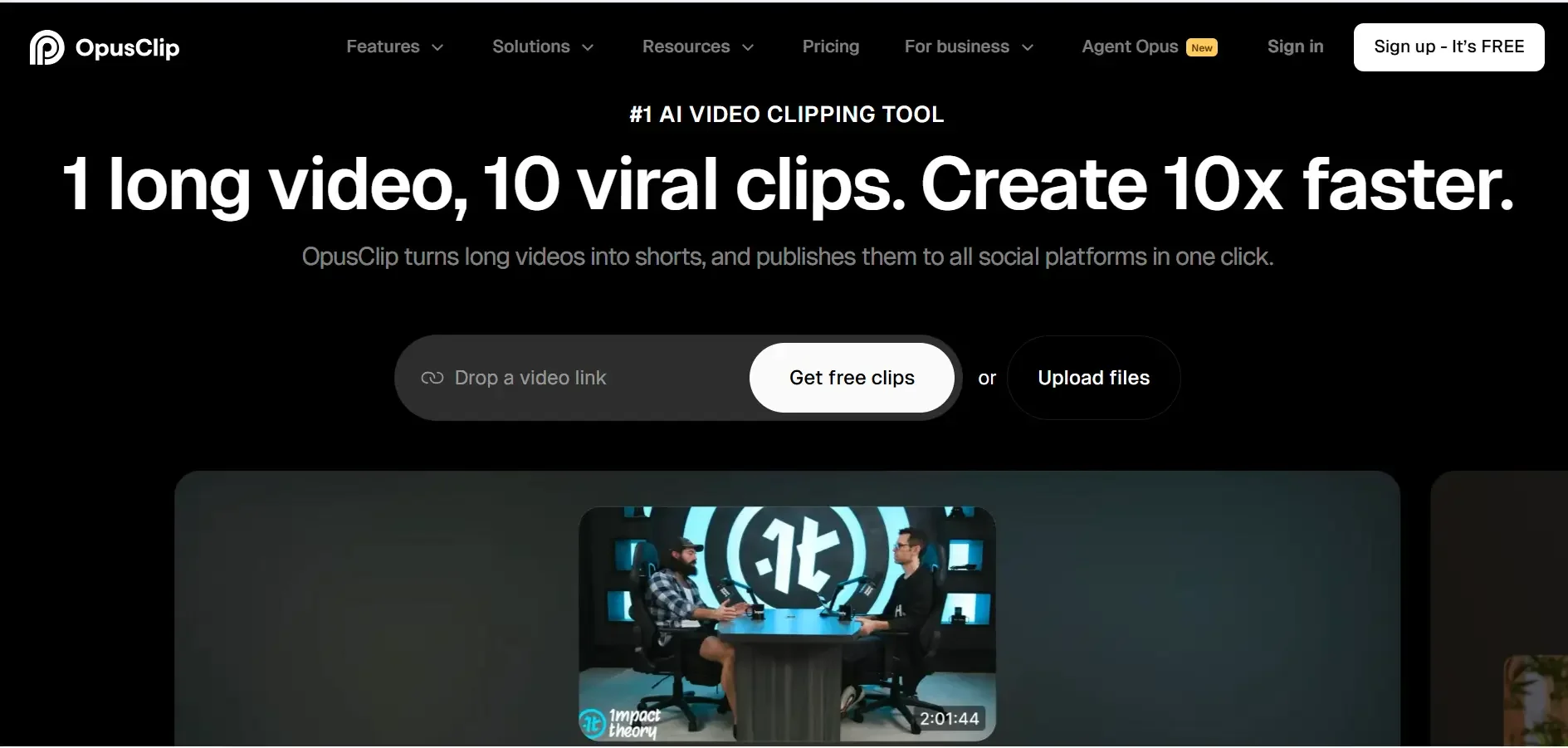
Opus Clip is an AI video repurposing platform that analyzes long-form videos, identifies viral hooks, extracts highlights, and adds animated captions for TikTok, Reels, and Shorts.
What is Opus Clip?
Opus Clip is an AI video repurposing platform that analyzes long-form videos, identifies viral hooks, extracts highlights, and adds animated captions for TikTok, Reels, and Shorts.
Opus Clip is a leading generative AI video repurposing platform designed to help video creators, podcasters, and marketing teams extract viral short-form clips from long-form recordings. By analyzing spoken audio transcripts, speaker emotional inflections, and visual pacing, Opus Clip automatically splices 1-hour videos into 10–20 standalone, social-ready clips.
The platform's standout capability is its Virality Score engine, which predicts each clip's social engagement potential based on millions of viral social videos. Opus Clip also features AI Face Auto-Reframing, automatically centering active speakers in 9:16 vertical video layouts, and applies dynamic, animated word-by-word captions with custom brand colors and emojis.
Opus Clip is heavily utilized by YouTubers, agency editors, and corporate marketing teams looking to scale their presence across TikTok, Instagram Reels, and YouTube Shorts without hours of manual timeline slicing.
Our Verdict on Opus Clip
Based on its feature set and processing speed, Opus Clip is one of the most effective tools for scaling short-form video repurposing. Its intelligent hook detection and dynamic auto-reframing save creators hours of repetitive video editing.
Recommendation: Podcasters and active video creators should choose the Starter Plan ($9/month billed annually) or Pro Plan ($14.50/month billed annually) for watermark-free 1080p exports and scheduled social publishing.
Pros & Cons
Pros
- check_circleDramatically reduces manual video editing timeAutomates highlight clipping, reframing, and captioning with a single YouTube URL paste.
- check_circleAccurate face tracking and auto-reframingHandles multi-speaker podcast layouts smoothly with split-screen and dynamic cuts.
- check_circleDirect social media auto-publishingSchedules approved clips to TikTok, Shorts, and Instagram without manual file downloading.
Cons
- errorProcessing minutes are consumed on total uploaded video lengthUploading a 2-hour podcast uses 120 minutes of monthly allocation even if you only need a few clips.
- errorRequires occasional transcript spelling tweaksNiche guest names and technical brand names can occasionally require quick subtitle spelling adjustments.
Best Use Cases
Here's a breakdown of how people are actually using this tool in the real world to speed up their workflows.
Ideal for Podcast Repurposing for TikTok & Reels
Key Features & Capabilities
These are the core features that actually matter. Instead of overwhelming you with options, this tool focuses on doing these specific tasks exceptionally well.
AI Curation & Virality Score
Automatically extracts the most engaging highlights and scores their viral potential from 0 to 100.
Dynamic Speaker Auto-Reframing
Keeps moving speakers perfectly centered in 9:16 vertical video layout across single and multi-guest formats.
Animated Word-by-Word Captions
Generates high-accuracy animated subtitles with keyword highlights, custom brand colors, and emojis.
Multi-Platform Social Auto-Scheduler
Schedule and publish generated clips directly to TikTok, Instagram Reels, YouTube Shorts, and LinkedIn.
Pricing & Value
Opus Clip offers a free trial with 60 processing minutes per month. The Starter Plan ($9/month billed annually or $15/mo monthly) includes 150 processing minutes per month and 1080p export. The Pro Plan ($14.50/month billed annually or $29/mo monthly) includes 300 processing minutes, multi-aspect ratio export, and social media auto-scheduler. Team plans add multi-seat collaboration.
Free Trial
Basic trial tier for testing video repurposing.
- check_circle60 processing minutes per month
- check_circleStandard resolution export
- check_circleWatermarked clips
- check_circleBasic auto-captioning
Starter
For solo creators repurposing regular videos ($9/mo billed annually at $108/yr).
- check_circle150 processing minutes per month
- check_circleWatermark-free 1080p export
- check_circleAI Virality Score & hook curation
- check_circleAuto-reframing 9:16 layout
Pro
The primary plan for active podcasters and YouTubers ($14.50/mo billed annually at $174/yr).
- check_circle300 processing minutes per month
- check_circleSocial media auto-scheduler
- check_circleMultiple aspect ratios (9:16, 1:1, 16:9)
- check_circleCustom brand kits & fonts
Workflows Using Opus Clip
Content Creator
ChatGPT • Canva • Opus Clip • Buffer
Plan, design and publish content faster.
Frequently Asked Questions
Common questions about Opus Clip.
Real User Reviews
Share & Embed
Promote Opus Clip or embed utility cards and verification badges.
Discover More AI Tools
Follow AIToolsHaven for new AI tools, reviews, comparisons and resources.