
Buffer
by Buffer
About Buffer
Buffer is a social media management platform that helps creators and businesses schedule posts, analyze engagement, and generate social copy with an integrated AI Assistant.
What is Buffer?
Buffer is a social media management platform that helps creators and businesses schedule posts, analyze engagement, and generate social copy with an integrated AI Assistant.
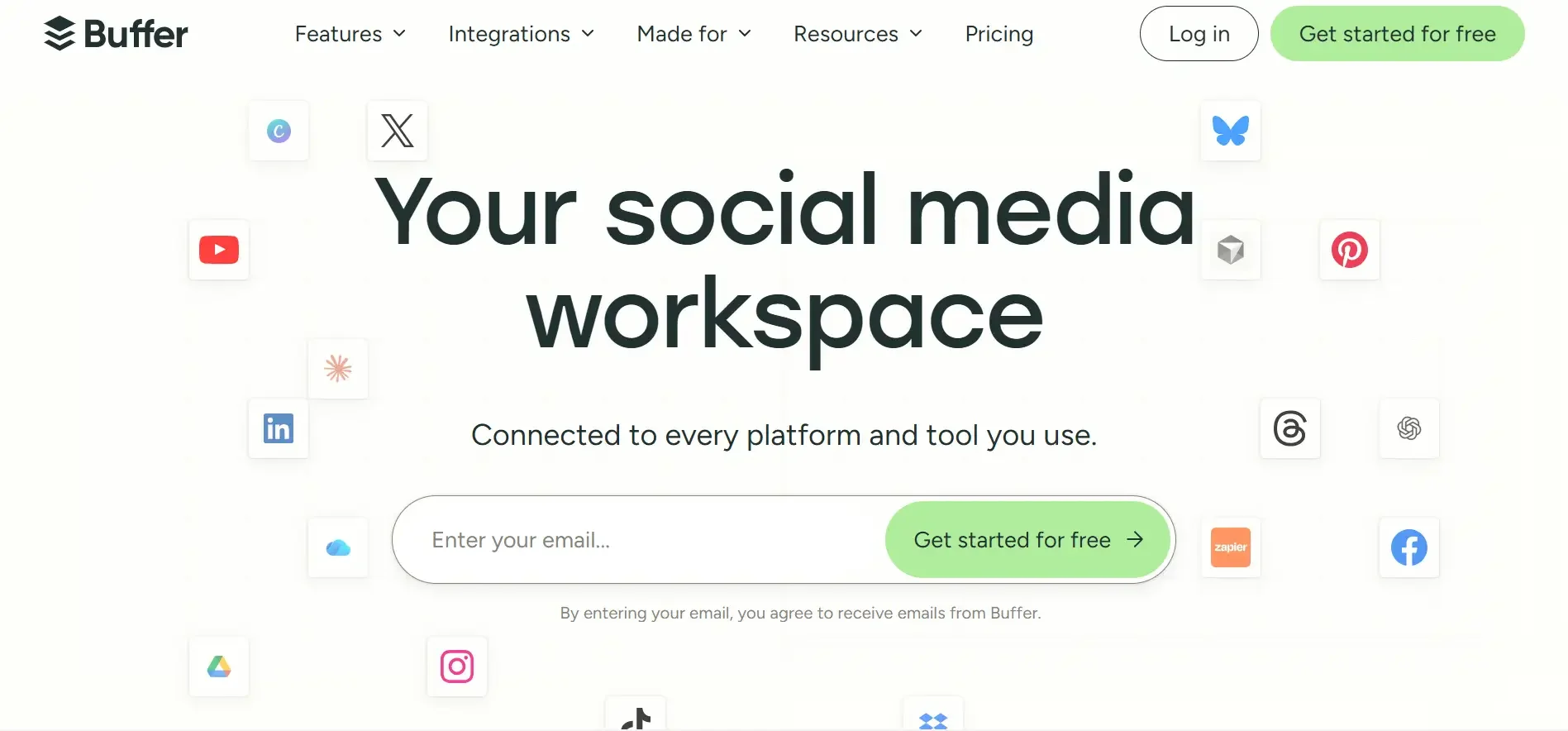
Buffer is one of the most established and user-friendly social media management platforms, empowering over 140,000 creators, small businesses, and agencies to grow their audience across social networks. Supporting platforms like Instagram, TikTok, LinkedIn, YouTube, X (Twitter), Facebook, Pinterest, and Threads, Buffer centralizes publishing and analytics into a clean, intuitive dashboard.
Buffer enhances social workflow efficiency with its built-in Buffer AI Assistant. The AI assistant helps creators brainstorm new post concepts, rephrase existing ideas for different platform tones, summarize long articles into punchy LinkedIn posts, and translate captions for international audiences with one click.
Buffer is especially celebrated for its transparent, channel-based pricing model, allowing businesses to connect only the social channels they need without expensive mandatory seat minimums.
Our Verdict on Buffer
Based on ease of use and clean interface design, Buffer remains the most accessible social media scheduler for small businesses and independent creators. Its flexible per-channel pricing and integrated AI copywriting assistant make multi-platform publishing straightforward.
Recommendation: Solo creators and small businesses should select the Essentials Plan ($5/channel/month billed annually) for full analytics and unlimited scheduled posts.
Pros & Cons
Pros
- check_circleTransparent, flexible per-channel pricingPay only for the specific social channels you actually use rather than expensive flat packages.
- check_circleClean, distraction-free calendar dashboardIntuitive drag-and-drop scheduling interface that requires minimal training.
- check_circleRobust free tier for solo creatorsEnables scheduling across 3 social channels at zero cost.
Cons
- errorPer-channel pricing scales up for large agenciesAgencies managing 30+ client channels will see costs scale with the number of connected channels.
- errorSocial listening and competitor monitoring are limitedFocuses on publishing and direct engagement rather than broad brand listening across the entire web.
Best Use Cases
Here's a breakdown of how people are actually using this tool in the real world to speed up their workflows.
Ideal for Unified Multi-Channel Content Scheduling
Key Features & Capabilities
These are the core features that actually matter. Instead of overwhelming you with options, this tool focuses on doing these specific tasks exceptionally well.
Multi-Platform Social Publishing
Schedule posts, carousels, reels, and stories across Instagram, TikTok, LinkedIn, Threads, and X.
Buffer AI Social Assistant
Brainstorm viral post ideas, rephrase copy for specific platforms, and repurpose high-performing content.
In-Depth Performance Analytics
Track engagement rates, follower growth, and optimal posting times to maximize organic reach.
Start Page Link-in-Bio Builder
Build clean, mobile-optimized link-in-bio landing pages to showcase products, links, and newsletters.
Pricing & Value
Buffer offers a Free Plan supporting up to 3 social channels with 10 scheduled posts per channel. The Essentials Plan ($5/channel/month billed annually or $6/mo monthly) includes unlimited scheduled posts, detailed performance analytics, and engagement tools. The Team Plan ($10/channel/month billed annually) adds unlimited team members and draft approval workflows.
Free
Basic scheduling for individuals and creators.
- check_circleUp to 3 social channels
- check_circle10 scheduled posts per channel
- check_circleAI Assistant access
- check_circleStart Page link-in-bio builder
Essentials
For professional creators and small businesses ($5/channel/mo billed annually at $60/channel/yr).
- check_circleUnlimited scheduled posts
- check_circleFull performance analytics & reporting
- check_circleEngagement community inbox
- check_circleOptimal timing recommendations
Team
For collaborative marketing teams ($10/channel/mo billed annually).
- check_circleAll Essentials features included
- check_circleUnlimited team members
- check_circleDraft approval workflows
- check_circleCustom branded client reports
Workflows Using Buffer
Content Creator
ChatGPT • Canva • Opus Clip • Buffer
Plan, design and publish content faster.
Frequently Asked Questions
Common questions about Buffer.
Real User Reviews
Share & Embed
Promote Buffer or embed utility cards and verification badges.
Discover More AI Tools
Follow AIToolsHaven for new AI tools, reviews, comparisons and resources.