
Superhuman AI
verifiedby Superhuman AI
About Superhuman AI
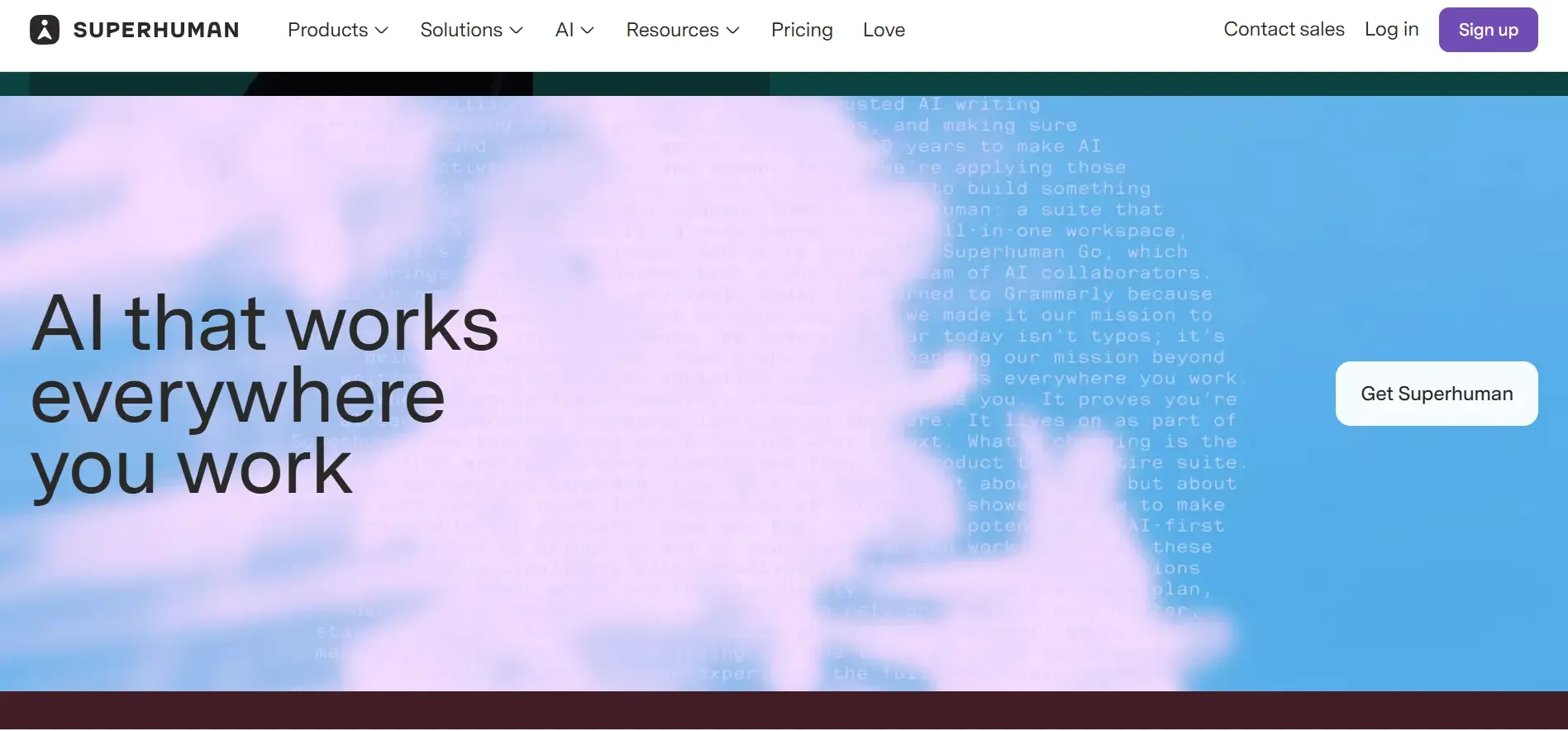
Superhuman AI is a premium email client that accelerates email triage, writes instant context-aware replies, and summarizes complex conversation threads in seconds.
What is Superhuman AI?
Superhuman AI is a premium email client that accelerates email triage, writes instant context-aware replies, and summarizes complex conversation threads in seconds.
Superhuman is a high-performance email application engineered for executives, founders, investors, and power professionals who receive high volumes of daily correspondence. Designed with keyboard-first navigation and sub-100-millisecond response times, Superhuman incorporates cutting-edge AI features directly into the email writing and triage workflow.
Superhuman AI analyzes incoming conversation threads to provide instant, context-aware reply drafts that match the user's authentic tone and writing style. With simple prompts or voice notes, users can turn rough thoughts into polished, professional emails, automatically summarize lengthy multi-participant threads, and auto-correct grammar without slowing down typing speed.
Superhuman integrates natively with Google Workspace (Gmail) and Microsoft Outlook, transforming email management from a daily burden into a seamless, high-speed experience.
Our Verdict on Superhuman AI
Based on our testing of executive productivity tools, Superhuman AI remains the gold standard for email speed and intelligence. Its contextual drafting and one-click thread summaries save busy executives hours each week while maintaining a polished communication standard.
While the $30/month price point reflects its positioning as an executive tool, for professionals whose daily work revolves around email, the time saved provides a clear return on investment.
Pros & Cons
Pros
- check_circleBlazing fast UI performanceEvery keystroke, search, and action executes in under 100 milliseconds.
- check_circleAuthentic tone matchingGenerates replies that accurately replicate your personal voice and sign-off habits.
- check_circleEffortless Inbox Zero workflowSplit Inbox keeps high-priority client and team correspondence cleanly separated.
Cons
- errorPremium subscription pricingPriced higher than standard email clients ($30–$45/month).
- errorInitial keyboard shortcut learning curveReaping maximum speed benefits requires learning keyboard navigation shortcuts.
Best Use Cases
Here's a breakdown of how people are actually using this tool in the real world to speed up their workflows.
Ideal for Executive Email Management
Key Features & Capabilities
These are the core features that actually matter. Instead of overwhelming you with options, this tool focuses on doing these specific tasks exceptionally well.
Instant AI Reply Drafting
Drafts complete, context-aware email responses from 1-line bullet points or quick prompts.
Instant Thread Summaries
Condenses sprawling 20-message email chains into a 1-paragraph summary with clear action items.
AI Voice-to-Email
Speak your thoughts naturally on mobile and let the AI format them into structured business emails.
Split Inbox & Read Statuses
Automatically segregates VIP correspondence from newsletters while tracking exact read times.
Pricing & Value
Starter
For individual professionals wanting lightning-fast email.
- check_circleSub-100ms email triage
- check_circleSplit Inbox & automated reminders
- check_circleRead statuses & send later
- check_circleDesktop & mobile apps
Business (with AI)
For founders and executives demanding full Superhuman AI capabilities.
- check_circleEverything in Starter
- check_circleSuperhuman AI Instant Drafting
- check_circleAI Thread Summaries
- check_circleVoice typing & tone personalization
Enterprise
For executive leadership teams requiring SOC 2 and dedicated onboarding.
- check_circleSAML SSO & advanced security
- check_circleCentralized team billing
- check_circleDedicated 1-on-1 concierge onboarding
- check_circlePriority VIP support
Frequently Asked Questions
Common questions about Superhuman AI.
Real User Reviews
Share & Embed
Promote Superhuman AI or embed utility cards and verification badges.
Discover More AI Tools
Follow AIToolsHaven for new AI tools, reviews, comparisons and resources.