
SaneBox
verifiedby SaneBox
About SaneBox
SaneBox is an AI-powered email productivity tool that cleans your inbox by automatically filtering unimportant emails into smart folders across any email provider.
What is SaneBox?
SaneBox is an AI-powered email productivity tool that cleans your inbox by automatically filtering unimportant emails into smart folders across any email provider.
SaneBox is an established AI email management solution designed to rescue busy professionals from email overload. Operating seamlessly in the background across any email client (Apple Mail, Outlook, Gmail, Superhuman) and any protocol (IMAP, Exchange, iCloud), SaneBox uses advanced machine learning to analyze your past email habits and determine which incoming messages require immediate attention.
Important emails stay in your primary Inbox, while non-urgent messages, newsletters, and receipts are automatically sorted into dedicated folders like @SaneLater, @SaneNews, and @SaneCC. SaneBox also includes powerful productivity utilities such as @SaneBlackHole (1-click unsubscribe from persistent spammers), SaneReminders (follow-up reminders for unanswered emails), and Do Not Disturb snoozing.
SaneBox requires zero client-side software installations and never reads the content of your emails, analyzing only header metadata to maintain complete user privacy.
Our Verdict on SaneBox
Based on over a decade of industry deployment, SaneBox remains one of the most reliable and privacy-conscious AI email triage tools available. Its ability to clean cluttered inboxes without requiring users to switch email clients makes it universally accessible.
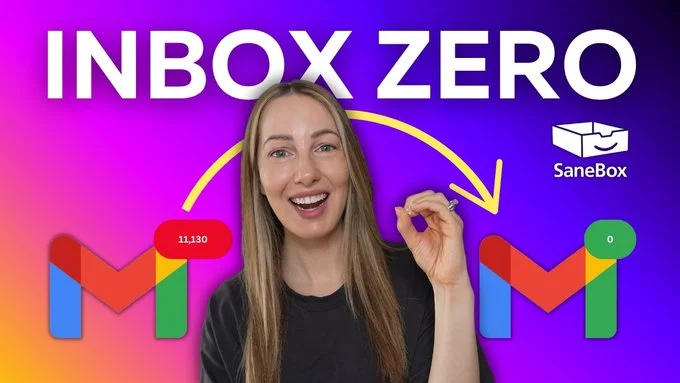
For executives, consultants, and professionals overwhelmed by daily hundreds of low-priority emails, SaneBox provides an effortless path to sustained Inbox Zero.
Pros & Cons
Pros
- check_circleWorks with any email clientNo new apps or extensions to install; operates seamlessly on server-side IMAP.
- check_circleStrict privacy safeguardsAnalyzes only header metadata and never accesses email body content.
- check_circleZero maintenance learningQuickly learns your preferences simply by dragging misplaced emails to the correct folder.
Cons
- errorFolder-based workflow changeUsers must get used to checking the @SaneLater digest once or twice daily.
- errorFeature caps on lowest pricing tierThe lowest tier allows only 2 active smart features.
Best Use Cases
Here's a breakdown of how people are actually using this tool in the real world to speed up their workflows.
Ideal for Taming Executive Inbox Overload
Key Features & Capabilities
These are the core features that actually matter. Instead of overwhelming you with options, this tool focuses on doing these specific tasks exceptionally well.
Smart @SaneLater Filtering
Automatically routes non-urgent emails into a secondary folder to keep your primary inbox uncluttered.
@SaneBlackHole Unsubscribe
Move unwanted newsletters to @SaneBlackHole to automatically delete all future emails from that sender.
SaneReminders Follow-Up Tracker
Bounces emails back to your inbox if recipients fail to reply within your specified timeframe.
Universal Server-Side Compatibility
Works across all email services (Gmail, Outlook, iCloud, Exchange) and any mail client application.
Pricing & Value
Snack
For individual users with a single email address.
- check_circle1 email account
- check_circle2 SaneBox smart features
- check_circleStandard email filtering
- check_circleDaily digest summaries
Lunch
For professionals managing work and personal accounts.
- check_circle2 email accounts
- check_circle6 SaneBox smart features
- check_circle@SaneBlackHole & SaneReminders
- check_circlePriority email support
Dinner
For executives and power users needing complete email control.
- check_circle4 email accounts
- check_circleAll SaneBox smart features
- check_circleUnlimited reminders & black hole
- check_circleVIP phone & email support
Frequently Asked Questions
Common questions about SaneBox.
Real User Reviews
Share & Embed
Promote SaneBox or embed utility cards and verification badges.
Discover More AI Tools
Follow AIToolsHaven for new AI tools, reviews, comparisons and resources.