
Tome
verifiedby Tome
About Tome
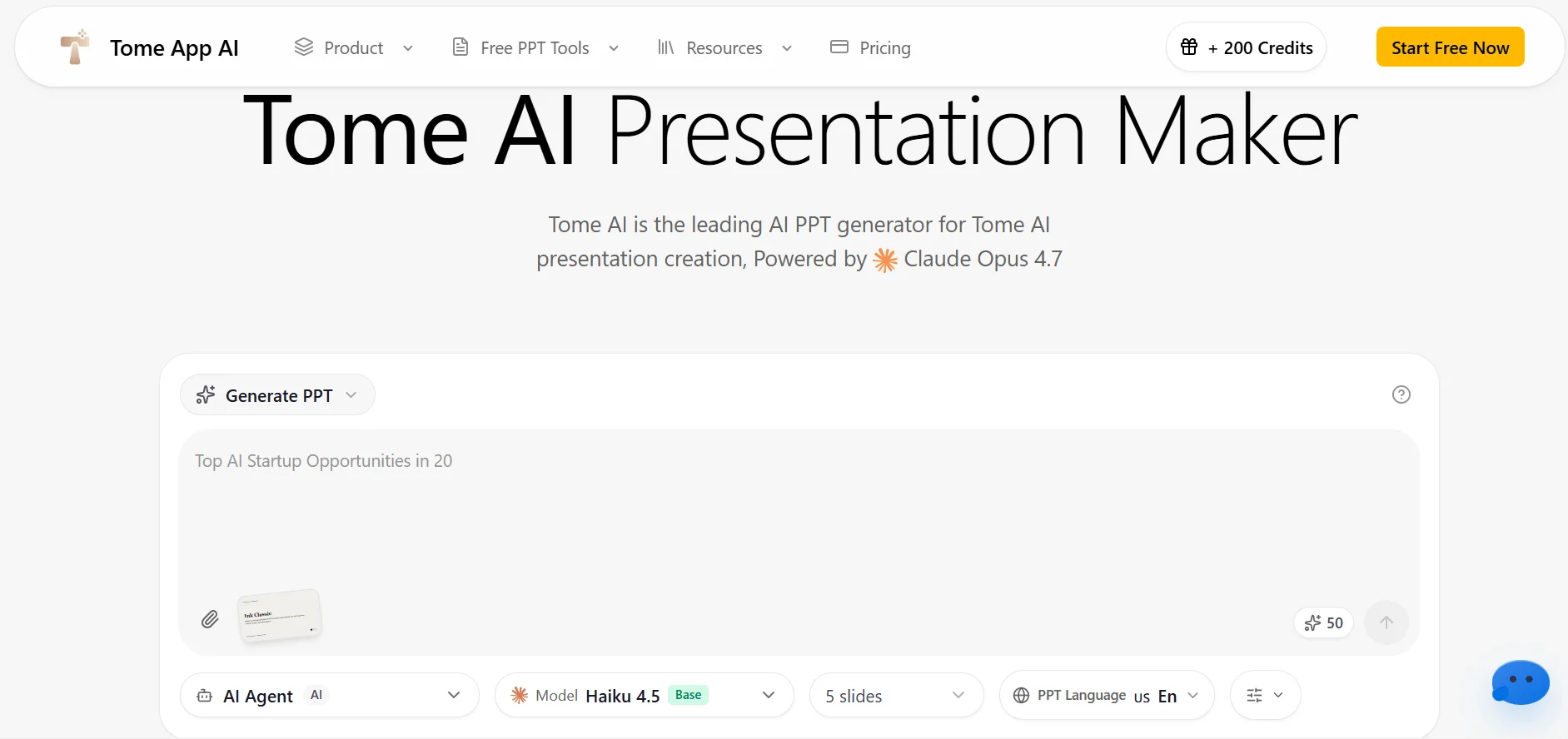
Tome is an AI-powered presentation and storytelling workspace that generates structured slide decks, outlines, and interactive visual documents from natural language prompts.
What is Tome?
Tome is an AI-powered presentation and storytelling workspace that generates structured slide decks, outlines, and interactive visual documents from natural language prompts.
Tome is a generative storytelling and presentation platform designed to transform raw ideas, documents, and prompts into engaging, multimedia slide decks. Breaking away from the rigid slide-size constraints of traditional tools like PowerPoint, Tome uses a dynamic, responsive canvas format that formats text, images, and live interactive embeds fluidly across any screen size.
When given a prompt or an uploaded strategy document, Tome outlines a narrative arc, writes structured slide copy, and synthesizes matching imagery using integrated DALL-E models. Users can easily customize layouts, adjust the presentation's tone, and embed live web prototypes, Figma frames, Airtable sheets, and interactive 3D models.
Tome is especially popular among startup founders building investor pitch decks, product managers presenting quarterly roadmaps, and consultants delivering high-impact executive summaries.
Our Verdict on Tome
Tome provides a modern, interactive alternative to legacy slide makers. Its ability to generate a complete 8-slide narrative presentation with matching images from a single prompt makes it a valuable asset for busy founders and product managers.
Recommendation: Professionals and entrepreneurs building frequent pitch decks and client presentations should select the Tome Pro Plan ($16/month billed annually) for unlimited AI generation.
Pros & Cons
Pros
- check_circleGenerates full structured presentation narratives in secondsSolves the blank-page problem by drafting complete multi-slide outlines and copy instantly.
- check_circleModern responsive canvas vs rigid legacy slidesLooks modern and readable across mobile phones, tablets, and widescreen displays.
- check_circleRich interactive embeds bring presentations to lifeAllows viewers to interact with live Figma designs directly within the deck.
Cons
- errorNative export to Microsoft PowerPoint PPTX is limitedExporting is primarily optimized for PDF and live web links rather than native legacy PPTX files.
- errorAI-generated imagery occasionally requires manual replacementGenerated stock imagery may need replacing with actual product screenshots for technical business decks.
Best Use Cases
Here's a breakdown of how people are actually using this tool in the real world to speed up their workflows.
Ideal for Startup Pitch Decks & Investor Updates
Key Features & Capabilities
These are the core features that actually matter. Instead of overwhelming you with options, this tool focuses on doing these specific tasks exceptionally well.
Generative Slide Deck Creation
Turn a short prompt, outline, or document into a complete, structured presentation deck with matching visual styling.
Responsive Storytelling Canvas
Fluid card-based layout system that adapts gracefully to desktop monitors, tablets, and smartphone displays.
Live Interactive Media Embeds
Embed working Figma prototypes, 3D models, live Airtable databases, and web apps directly inside slides.
AI Tone Adjustment & Summarization
Refine slide copy instantly to sound more persuasive, technical, concise, or inspiring with one click.
Pricing & Value
Tome offers a free tier with 500 initial AI credits. The Tome Pro Plan ($16/user/month billed annually or $20/mo monthly) provides unlimited AI generation credits, PDF export, custom branding, and analytics. The Enterprise Plan adds dedicated workspaces, SSO, and custom template locking.
Free
Basic access for individual storytelling.
- check_circle500 one-time AI credits
- check_circleUp to 3 presentation decks
- check_circleStandard templates & embeds
- check_circleMobile and web viewing
Pro
For founders, professionals, and sales teams ($16/mo billed annually at $192/yr).
- check_circleUnlimited AI generation compute
- check_circleExport to PDF format
- check_circleCustom logo and branding
- check_circleDocument analytics & engagement tracking
Enterprise
For organizations and high-growth companies.
- check_circleUnlimited workspaces & members
- check_circleSingle Sign-On (SSO) integration
- check_circleCustom template locking
- check_circleDedicated account management
Frequently Asked Questions
Common questions about Tome.
Real User Reviews
Share & Embed
Promote Tome or embed utility cards and verification badges.
Discover More AI Tools
Follow AIToolsHaven for new AI tools, reviews, comparisons and resources.