Design.com
by Design.com
About Design.com
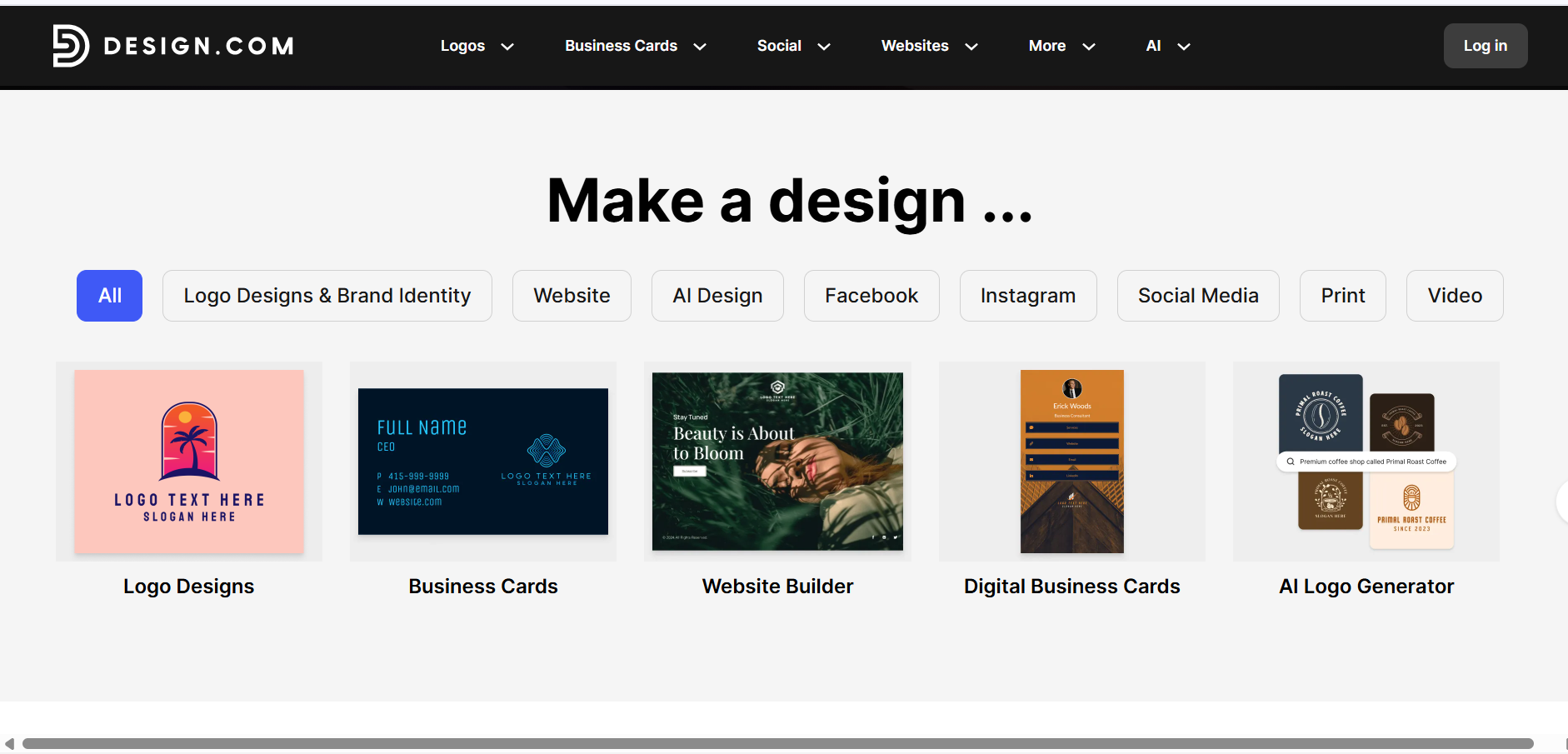
Design.com is an all-in-one AI branding suite for entrepreneurs and small businesses. It generates thousands of exclusive logo concepts in seconds and automatically applies your new visual identity across social media templates, business cards, websites, and more.
What is Design.com?
Design.com is an all-in-one AI branding suite for entrepreneurs and small businesses. It generates thousands of exclusive logo concepts in seconds and automatically applies your new visual identity across social media templates, business cards, websites, and more.
Design.com is a leading AI design platform built for entrepreneurs, startups, and small businesses that need professional branding without the cost or complexity of hiring a designer. Its AI logo generator draws from a library of over 400,000 exclusive, professionally curated designs to produce thousands of customized logo concepts in seconds based on your business name and description.
Beyond logo creation, Design.com functions as an all-in-one brand system. Your logo — including its colors and typography — is automatically integrated across all other branded templates, covering social media posts, business cards, letterheads, websites, and even printed merchandise, making it one of the most integrated branding tools available in 2026.
Our Hands-On Experience: The Brand-From-Zero Test
To test Design.com, our team attempted to build a complete brand identity for a fictional coffee company, "Midnight Brew," tracking the time from blank canvas to finished logo, social templates, and a published website.
The Workflow
After entering "Midnight Brew" and a few relevant keywords, the AI generated thousands of logo options in seconds. We selected one of the free templates to get the full experience of the platform. Design.com immediately took us to its drag-and-drop editor, where we customized our logo using the AI chat-based editor and the manual editing tools. We downloaded the logo in multiple formats. In addition, the logo was already synced to other templates (business cards, social media assets, letterheads, email signatures, presentations, flyers, posters, etc.).
The Result
We got a fully branded identity in under 20 minutes. The automatic template seeding was the standout feature. The platform didn’t need to be prompted to adopt the logo on other branded templates. It just automatically did.
The Friction Note
Because the AI generates thousands of logo options, choosing just one can take longer than the editing itself. It is a good problem to have, but first-time users should set aside extra time for the browsing stage. You can like the designs that appeal to you and come back to them to make your final decision. There’s also an option to create a poll, so your team can vote on the best logo concept.
The Learning Curve Observation
Design.com is genuinely one of the easiest branding tools to pick up. The workflow is straightforward: enter your business name and keywords, browse the generated logos, pick one, customize it, and download it. Your brand colors and fonts are already automatically applied to other asset templates right on the download page.
Our Verdict on Design.com
Design.com is more than just a logo maker. It’s a complete branding operating system in which a single design decision cascades automatically across every asset a new business needs. For anyone wanting to build a complete brand identity from scratch in under an hour, it is the most efficient path available in 2026.
The Brand-From-Zero Test
To test Design.com, we attempted to build a complete brand identity for a fictional coffee company, "Midnight Brew," tracking the time from blank canvas to finished logo, social templates, and a published website.
The Workflow
After entering "Midnight Brew" and a few keywords, the AI generated thousands of logo options in seconds. We selected a free template and were immediately taken to the drag-and-drop editor. There, we customized it using both the AI chat assistant and manual tools. Upon downloading, the logo was already synced to other templates—business cards, letterheads, social assets, and more.
The Result
We got a fully branded identity in under 20 minutes. The automatic template seeding was the standout feature—it just worked without any extra prompting.
Friction Note
Generating thousands of options means choosing one can take longer than editing. First-time users should expect a longer browsing stage. Using the built-in polling feature helps teams vote on concepts efficiently.
The Learning Curve Observation
Design.com is genuinely one of the easiest branding tools to pick up. The workflow is straightforward, and having your brand colors and fonts automatically applied to asset templates right on the download page removes almost all complexity.
Pros & Cons
Pros
- check_circleGenerous free versionCreate logos and other assets with no upfront cost using free designs. Customize them using all editing features and download them in all file formats.
- check_circleAll-in-one brandingGenerate a range of branded assets, from logos to other marketing materials, that are consistent with each other in just minutes.
- check_circleExclusive logo designsProfessionally handcrafted logos mean a lesser risk of a competitor sharing the same design.
- check_circleAuto brand propagationFinalizing your logo design instantly re-themes other templates, eliminating hours of manual design work for consistent branding across platforms.
- check_circleCommercially safe designsEvery design is checked for originality, ensuring all logos are 100% commercially safe to use.
- check_circleAffordable pricingDesign.com’s paid plans are among the most competitive in the category.
Cons
- errorGeared toward beginners and small businessesThe AI-guided workflow prioritizes simplicity and speed. Advanced designers may seek granular pixel-level control and may find the structured approach limiting compared to advanced design tools.
- errorWeb-based onlyThere is no native desktop or mobile app yet. All design work happens in the browser, which is fast and responsive.
- errorLightweight collaboration featuresTeams needing real-time collaboration features may find Design.com’s collaboration functions lighter.
Best Use Cases
Here's a breakdown of how people are actually using this tool in the real world to speed up their workflows.
Ideal for Entrepreneurs & startups
Key Features & Capabilities
These are the core features that actually matter. Instead of overwhelming you with options, this tool focuses on doing these specific tasks exceptionally well.
AI logo generation
Generates thousands of logo concepts in seconds based on your business name and keywords.
Massive logo library
Over 400,000 exclusive logo designs created by professional designers across every industry, paired with 750+ fonts and 62,000+ custom vector shapes.
Intuitive drag-and-drop editor
Edit your chosen logo’s colors, fonts, icons, and layouts using the beginner-friendly editor.
AI chat-based interface
Customize your logo automatically by describing the changes you want to make in a text prompt.
Extensive file formats
Download logos as vector files (SVG, EPS, PDF), raster files (PNG, JPG), and animated files (GIF, MP4). Transparent background and icon-only variants are also included.
Automatic template branding
Applies your logo and its full design elements across all templates.
50+ design tools
Create more branded assets, such as business cards, digital business cards, social media posts and stories, presentations, QR codes, flyers, posters, letterheads, menus, etc.
Advanced AI tools
Build your brand with efficient AI tools, including the AI Business Card Generator, AI Website Builder, AI Flyer Generator, AI Poster Generator, AI Link in Bio Generator, AI Presentation Maker, and more.
Pricing & Value
Free
Perfect for testing the waters and creating basic assets.
- check_circleFree design templates
- check_circleDrag-and-drop editor and AI chat-based editing interface
- check_circleHigh-res and vector logo files (SVG, EPS, PDF, PNG, JPG)
- check_circleAutomatic template branding
- check_circleNo watermarks
- check_circle100% commercial safe logos
Starter
Great for small businesses needing a full design suite.
- check_circleUnlimited changes to your logo
- check_circlePremium logo designs
- check_circleFull access to 50+ design tools
Value
The sweet spot for complete online presence.
- check_circleEverything in Starter
- check_circleWebsite Builder
Premium
For businesses needing advanced digital networking tools.
- check_circleEverything in Value
- check_circleLink in bio maker
- check_circleDigital business card maker
Frequently Asked Questions
Common questions about Design.com.
Real User Reviews
Share & Embed
Promote Design.com or embed utility cards and verification badges.
Discover More AI Tools
Follow AIToolsHaven for new AI tools, reviews, comparisons and resources.