
Blackbox AI
by Blackbox AI
About Blackbox AI
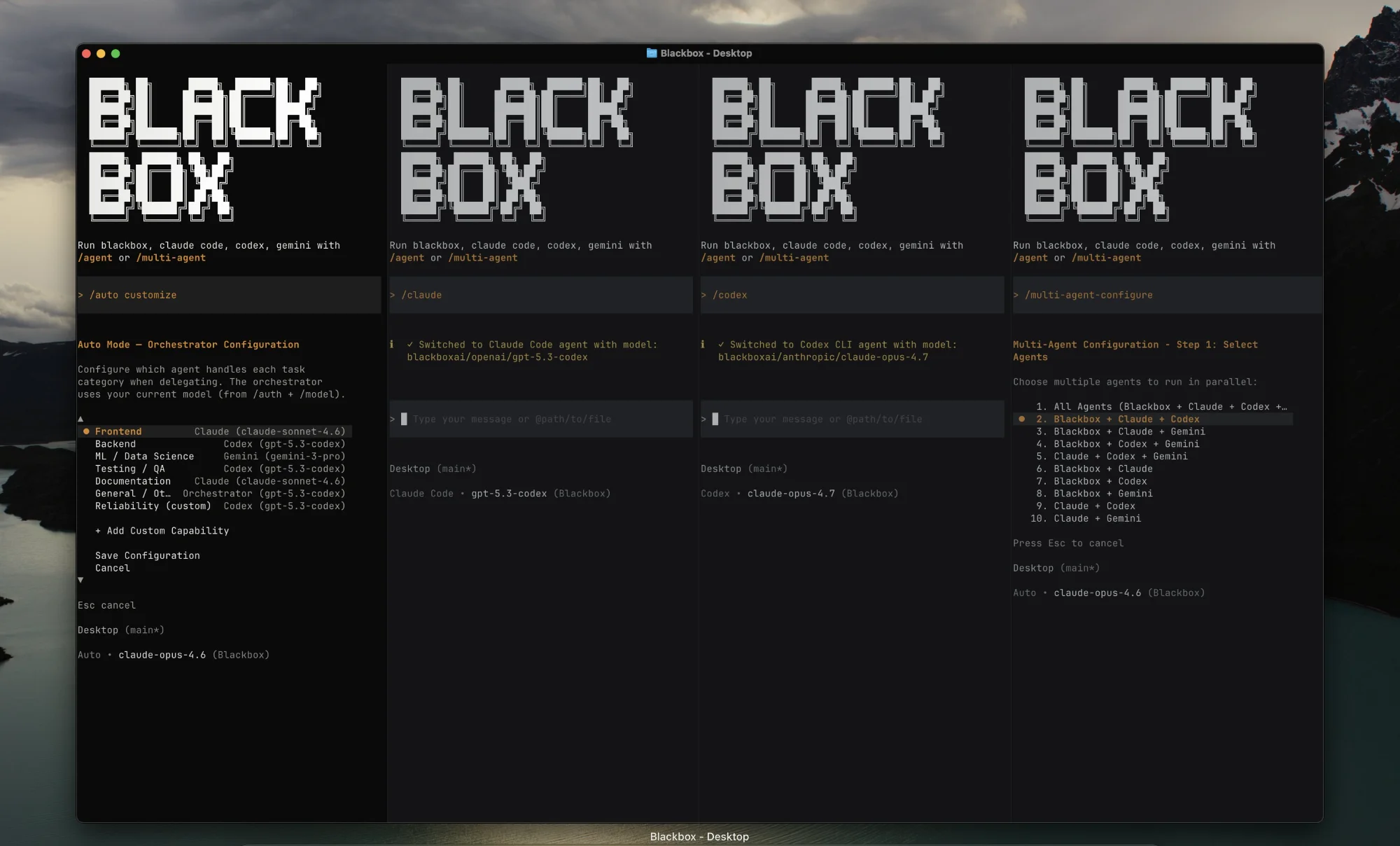
Blackbox AI is a coding assistant and developer search engine that provides rapid code autocomplete, in-browser code extraction from videos, and natural language code generation.
What is Blackbox AI?
Blackbox AI is a coding assistant and developer search engine that provides rapid code autocomplete, in-browser code extraction from videos, and natural language code generation.
Blackbox AI is a developer acceleration platform and coding search engine designed to help programmers find, generate, and extract code snippets quickly. Trusted by millions of software developers globally, Blackbox is renowned for its browser extension that can extract unselectable code directly from technical YouTube videos, Zoom screen-shares, and online course lectures.
In addition to video extraction, Blackbox provides an in-editor VS Code autocomplete extension, an AI coding chat interface, and a developer-centric search engine. When given a programming question or functional requirement, Blackbox returns clean, tested code snippets across 20+ programming languages without unnecessary conversational fluff.
Blackbox AI is designed for software developers, boot-camp students, and technical educators who want immediate, functional code answers with minimal friction.
Our Verdict on Blackbox AI
Based on our review of developer productivity extensions, Blackbox AI offers a highly useful utility with its signature video-to-code optical character recognition (OCR) and lightweight code search. It saves developers from manually re-typing code snippets shown in video tutorials and webinars.
While advanced enterprise architectures may require deeper repo-wide tools, Blackbox AI is a fast, versatile everyday companion for practical coding tasks.
Pros & Cons
Pros
- check_circleUnique video extraction utilityBest-in-class OCR for grabbing code directly from screen shares and video streams.
- check_circleAccessible and lightweightQuick web and extension workflows that don't bog down browser or editor performance.
- check_circleGenerous free utilityProvides basic search and extraction at zero cost.
Cons
- errorLacks deep multi-repo indexingFocuses on snippet-level assistance rather than deep whole-codebase architectural reasoning.
- errorPro subscription required for high volumeHeavy daily video extraction and search queries require the Pro subscription.
Best Use Cases
Here's a breakdown of how people are actually using this tool in the real world to speed up their workflows.
Ideal for Learning from Online Coding Tutorials
Key Features & Capabilities
These are the core features that actually matter. Instead of overwhelming you with options, this tool focuses on doing these specific tasks exceptionally well.
Video-to-Code OCR
Instantly copy unselectable code directly from YouTube tutorials, live streams, and course videos.
Code Autocomplete & Suggestion
Real-time multi-line code predictions that auto-complete functions and logic in VS Code.
Fast Developer Search
Search programming queries and get concise, copy-ready code snippets with zero fluff.
Multi-Language Code Translation
Convert algorithms and functions seamlessly between Python, JavaScript, Java, and C++.
Pricing & Value
Free
Essential developer search and basic video extraction.
- check_circleStandard code search
- check_circleBasic video-to-code extraction
- check_circleVS Code extension access
- check_circleCommunity support
Pro
For active developers and computer science students.
- check_circleUnlimited video-to-code extraction
- check_circleFastest code generation compute
- check_circleFull VS Code autocomplete
- check_circleMulti-language code conversion
Team
For developer teams requiring shared licenses.
- check_circleEverything in Pro
- check_circleCentralized team billing
- check_circlePriority customer support
- check_circleShared usage dashboard
Frequently Asked Questions
Common questions about Blackbox AI.
Real User Reviews
Share & Embed
Promote Blackbox AI or embed utility cards and verification badges.
Discover More AI Tools
Follow AIToolsHaven for new AI tools, reviews, comparisons and resources.