
Aider
by Paul Gauthier
About Aider
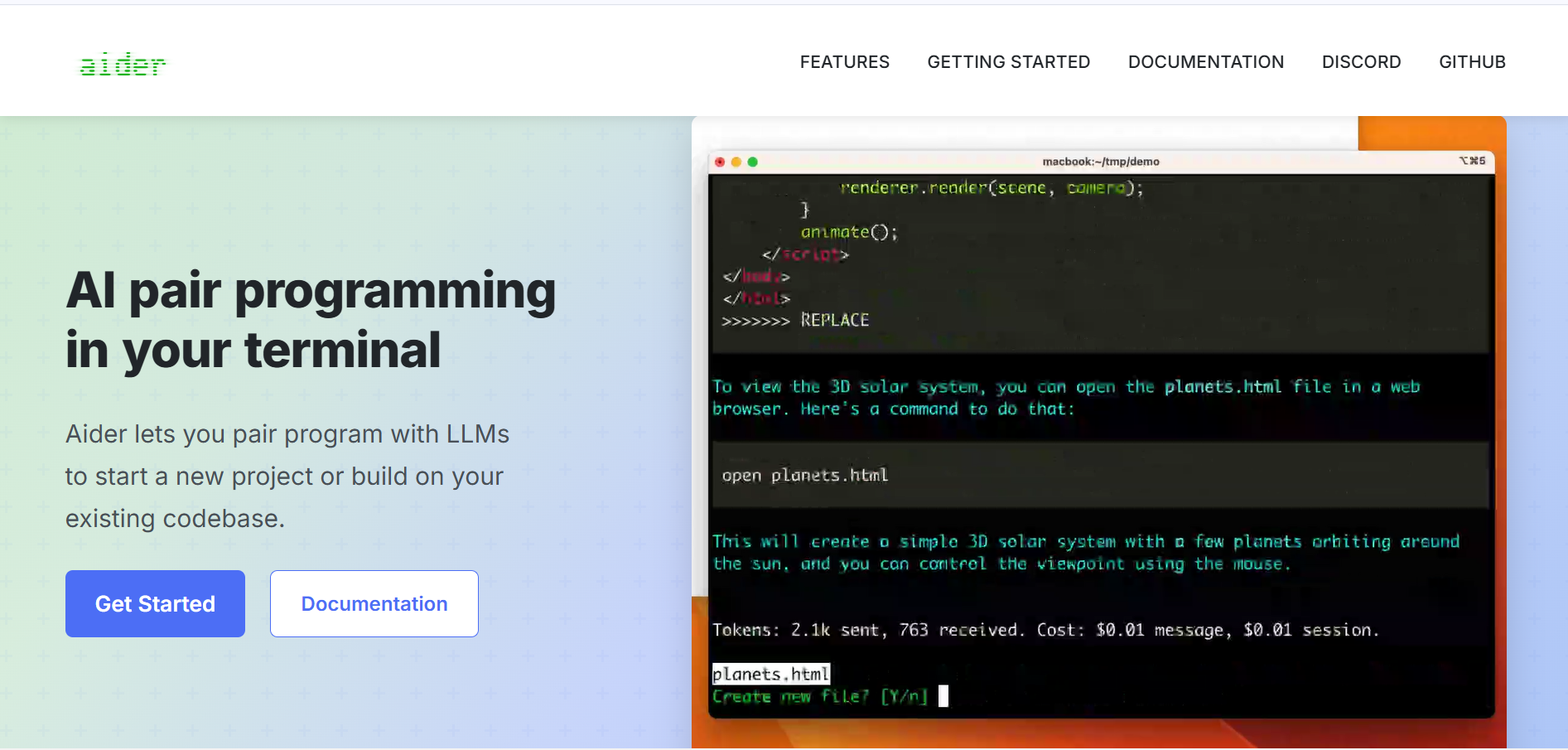
Aider is a command-line tool that lets you pair program with an LLM. It can read your local codebase, write new features, fix bugs, and automatically commit the changes to Git.
What is Aider?
Aider is a command-line tool that lets you pair program with an LLM. It can read your local codebase, write new features, fix bugs, and automatically commit the changes to Git.
Our Verdict on Aider
Pros & Cons
Pros
- check_circleFree, open-source, and BYOKAider itself is completely free (Apache 2.0 license) with no subscriptions or usage limits, you bring your own API key and pay only for token usage, typically just a few dollars a month for light use.
- check_circleNative Git integration with auto-commitsEvery AI-made change is automatically committed with a descriptive commit message, giving you a complete, revertible history of edits, a standout feature reviewers consistently praise for making rollbacks and code review effortless.
- check_circleBroad model support and codebase awarenessWorks with virtually any major LLM (Claude, GPT-4o, Gemini, DeepSeek, local models via Ollama) and builds a repository map to keep large, multi-file codebases in context for more accurate, coordinated edits.
Cons
- errorTerminal-only interfaceAider runs purely in the command line — no inline diffs, tab completion, split panes, or visual file tree, so developers who want an IDE-style experience often end up running Aider alongside a separate editor.
- errorSteep comfort barrier for non-CLI usersGetting real value out of Aider requires being comfortable with command-line workflows and Git, which can be a hurdle for developers used to point-and-click AI coding tools like Cursor or Windsurf.
- errorSingle-agent, single-model-per-session designAider operates as one agent using one model per session, it doesn't orchestrate multiple agents together or let you switch models mid-session, unlike some newer multi-agent or model-hopping tools.
Best Use Cases
Here's a breakdown of how people are actually using this tool in the real world to speed up their workflows.
Ideal for Legacy code refactoring and multi-file operations
Key Features & Capabilities
These are the core features that actually matter. Instead of overwhelming you with options, this tool focuses on doing these specific tasks exceptionally well.
Git Integration
Automatically creates sensible git commits with descriptive messages.
Multi-File Edits
Can refactor code across dozens of files simultaneously.
Architectural Understanding
Uses a repository map to understand your entire codebase.