How to Launch a Profitable Faceless YouTube Channel in 2026: Full AI Stack Breakdown
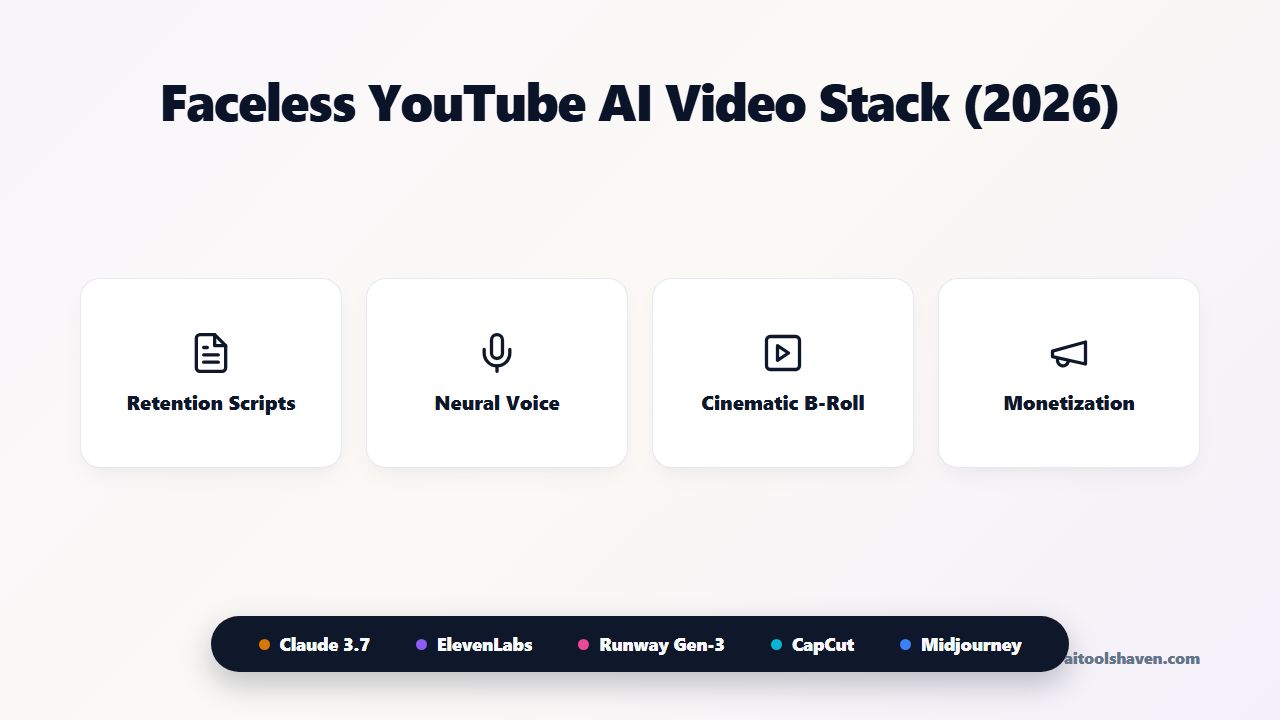
Table of Contents (4 sections)
Implementation Overview & Architecture
A field-tested, multi-app roadmap designed for rapid execution with zero wasted iterations and maximum automation efficiency.
YouTube automation and faceless channels have generated tens of millions in creator revenue over the past decade. But in 2026, the game has fundamentally changed: low-effort robotic slide shows and monotone text-to-speech videos get instantly demonetized by YouTube’s quality algorithms.
To build a sustainable channel that clears YouTube Partner Program monetization and attracts $10k+ brand sponsorship deals, you must produce documentary-grade narrative retention, emotive human-like voice acting, and dynamic cinematic B-roll.
smart_display Interactive Monetization Roadmap
Want the step-by-step financial model and tool checklist? Check out our dedicated Faceless YouTube Channel Goal Guide or explore the full AI Video Generators Directory.
The 2026 Faceless YouTube Production Matrix
Building a broadcast-quality faceless video requires five distinct production phases. Below is the exact tool stack used by top 7-figure automation channels:
| Production Phase | Primary Software | Key Output / Deliverable | Estimated Time | Cost Tier |
|---|---|---|---|---|
| 1. Research & Scripting | Claude 3.7 / ChatGPT | 2,000-word retention-optimized script with visual cues | 20 mins | Free / $20/mo |
| 2. Voice Synthesis | ElevenLabs | Studio-grade voiceover with dynamic emotional pacing | 5 mins | Free / $5/mo |
| 3. Generative B-Roll & Visuals | Runway Gen-3 / Midjourney | 4K cinematic video clips & photorealistic concept art | 30 mins | $12–$30/mo |
| 4. Timeline Assembly & SFX | CapCut Desktop / Premiere | Final 1080p/4K master file with sound effects & music | 45 mins | 100% Free |
| 5. High-CTR Thumbnail Design | Midjourney v7 + Photoshop | High-contrast, 12%+ CTR YouTube thumbnail | 15 mins | Free / $10/mo |
Phase-by-Phase Execution Masterclass
Step 1: Outlier Topic Research & The 3-Act Retention Script
Never create a video based on a random guess. Instead, identify Outlier Videos in your niche—videos on smaller channels that achieved 10x to 50x their subscriber count in views within the past 30 days.
Feed the transcript of the top-performing competitor video into Claude or ChatGPT and use this prompt:
Step 2: Studio-Grade Neural Voice Generation on ElevenLabs
Audiences will forgive average visuals, but they will click away within 5 seconds if audio is muffled or robotic.
Use ElevenLabs and select narrative voices like Adam, Marcus, or Antoni. Set the Stability slider to 45% and Clarity/Similarity to 80% to inject subtle vocal inflections, natural pauses, and breath sounds.
Step 3: Cinematic B-Roll Generation with Runway Gen-3 & Midjourney
Take the bracketed visual cues from your script and generate photorealistic image assets in AI Image Generators like Midjourney v7 or Flux.
To turn static photos into cinematic camera motion shots, run the generated images through AI Video Generators like Runway Gen-3 Alpha, Luma Dream Machine, or Kling AI. Use camera motion prompts such as "slow cinematic camera dolly forward, 4k 24fps motion blur".
Step 4: CapCut Timeline Assembly & Sound Design (The 3-Second Rule)
Import your voiceover and AI clips into CapCut Desktop (100% free). Follow the 3-Second Visual Rule: never keep any single shot on screen for more than 3 to 4 seconds without adding a zoom, a sound effect, or a text graphic.
- Auto-Captions & Styling: Generate automated subtitles in CapCut. Use high-contrast fonts (Montserrat or The Bold Font) with a subtle black stroke and animated word-by-word highlights.
- Sound Design Layers: Add subtle ambient background music at -18dB and inject transition sound effects (wooshes, digital glitches, sub-bass risers) every time a new key point is revealed.
- Export Specifications: Export at 1080p or 4K resolution, 30fps or 60fps, utilizing the H.264 codec with a high bit-rate (15–20 Mbps) to ensure crystal-clear YouTube compression.
Step 5: High-CTR Thumbnail Design with Midjourney & Photoshop
A video with 100% retention will get zero views if nobody clicks. The thumbnail is responsible for 80% of your initial impression velocity.
Follow the 3-Element Thumbnail Rule:
- Element 1 (Focal Subject): An expressive face, glowing futuristic object, or high-contrast character generated in Midjourney (Prompt: "hyperrealistic portrait, intense facial expression, cinematic dramatic rim lighting --ar 16:9 --v 7").
- Element 2 (Curiosity Context): A simple background showing the conflict or mystery (e.g. falling red charts, a mysterious vault, an abandoned futuristic lab).
- Element 3 (Max 3-4 Words Text): Bold, readable text that complements but does NOT repeat the video title (e.g. "HE WARNED US", "IT HAPPENED", "THE 1% SECRET").
Step 6: YouTube Upload Optimization (SEO Title, Description & Chapters)
When uploading your master video to YouTube Studio, optimize the metadata for both the search algorithm and browse recommendations:
- The Title Formula: Combine high-search keywords with emotional curiosity (e.g. "The Trillion-Dollar AI Bubble Nobody Is Talking About" or "How He Built a $50M Empire With 0 Employees (Full AI Breakdown)").
- Chapter Timestamps: Always include timestamps (0:00 Intro, 1:45 The Hidden Metric, etc.) in the description. Google indexes YouTube chapters directly into Google Search Position 0 video snippets.
- Pinned Comment Funnel: Place your primary affiliate link or free newsletter lead magnet directly in the pinned comment.
Explore High-CPM YouTube Niches
Discover which categories yield $15–$35 AdSense CPMs (Finance, AI Tech, Business History).
How to Monetize Beyond AdSense in 2026
While YouTube AdSense provides predictable recurring monthly revenue once you hit 1,000 subscribers and 4,000 watch hours, the most profitable faceless channels monetize through three simultaneous channels:
- High-Ticket Affiliate Partnerships: Promoting SaaS tools, AI software platforms, and web hosting in pinned comments and video descriptions ($50–$150 per paid referral).
- Direct Brand Sponsorships: Selling 60-second integrated mid-rolls to B2B software brands once your channel averages 20,000+ views per video ($500–$2,500 per sponsorship).
- Short-Form Repurposing Funnels: Using tools like Opus Clip and Social Media AI to convert each long-form video into 10 TikToks and Shorts that funnel traffic to an email newsletter.
Understand YouTube's AI Disclosure and Monetization Rules
Before monetizing your faceless YouTube channel, make sure you understand YouTube's AI content disclosure requirements and monetization policies. While AI-generated content can be monetized, YouTube strictly expects original, authentic content and requires disclosure of certain realistic altered or synthetic media.
For additional guidance, explore Flowjam's guide to creating a faceless YouTube channel with AI, which covers AI disclosure rules and monetization considerations for creators.
The 7-Day Channel Launch Checklist
Day 1: Niche Selection & Channel Branding: Choose a high-CPM niche (Finance, Tech, True Crime, Business History). Generate your channel banner, icon, and name with Midjourney and Claude.
Day 2: Competitive Outlier Mining: Find 5 outlier videos in your niche that got over 100k views in the last 30 days.
Day 3: Script Drafting & Fact-Checking: Draft your first 3 documentary scripts using Claude 3.7 with complete visual cues.
Day 4: Voiceover Generation: Record and export studio-quality ElevenLabs voiceovers.
Day 5: Visual Media & B-Roll Batching: Generate 40-50 cinematic AI video clips across Runway Gen-3 and Midjourney.
Day 6: Timeline Assembly & Sound Design: Assemble videos in CapCut with music, dynamic captions, and sound effects.
Day 7: Thumbnail Design & Scheduled Uploads: Create 3 high-contrast thumbnails, set chapter timestamps, and schedule your first 3 uploads 48 hours apart.
Ready to discover and benchmark all tools in our directory? Explore our complete Directory of AI Categories or test our AI Tool Recommender.
Ready to build with AI Video Generators?
Compare 42+ verified tools in the AI Video Generators Hub, or filter for 100% free allowances with zero credit card traps.
Answers to Common Questions
This guide analyzes the most dependable solutions in the video space based on benchmark testing, feature depth, and real-world performance. Browse the comparison table and detailed reviews above to identify the ideal platform for your workflow.
Yes, many of the featured platforms provide free starter tiers, trial periods, or community plans so you can test capabilities before committing to a paid subscription.
Our team evaluates platforms using a structured E-E-A-T benchmark methodology: we test ease of onboarding, prompt response accuracy, integrations, pricing transparency, and real-world team productivity impact.
Start by identifying your non-negotiables—such as budget, API availability, learning curve, and existing tech stack compatibility. Test the free tiers of your top two candidates using your everyday production tasks.
Featured Tools Mentioned in this Guide
Directly compare pricing, verified ratings, and capabilities in our directory.

CapCut
star4.9All-in-one AI video editing suite with auto-captions, background removal, and viral templates.

ChatGPT
star4.9Multimodal AI assistant for conversation, coding, real-time web search, and data analysis.

ElevenLabs
star4.9Industry-leading AI voice generator, lifelike text-to-speech, and voice cloning platform.

Midjourney
star4.9State-of-the-art AI image generation engine with unmatched photorealism and artistic coherence.